Browser-local image tools
Compress Image to 100KB
This preset requests at most 100,000 bytes per image, processes locally, and reports whether each output meets the target. It preserves the input format and keeps the original if re-encoding would increase file size.
Browser-local processing
Try a photo, screenshot and transparent PNG
These are recorded examples, not promised results for your files. Download an input, use the settings below, then compare your saved output.
All runs used quality 82 and decimal KB (1 KB = 1,000 bytes). The 0.001 KB case intentionally asks for only one byte: the tool returns its best effort and reports a miss. PNG quality does not act like lossy JPG quality; dimensions may shrink.
| Input | Target | Downloaded result | Pixels: before → after |
|---|---|---|---|
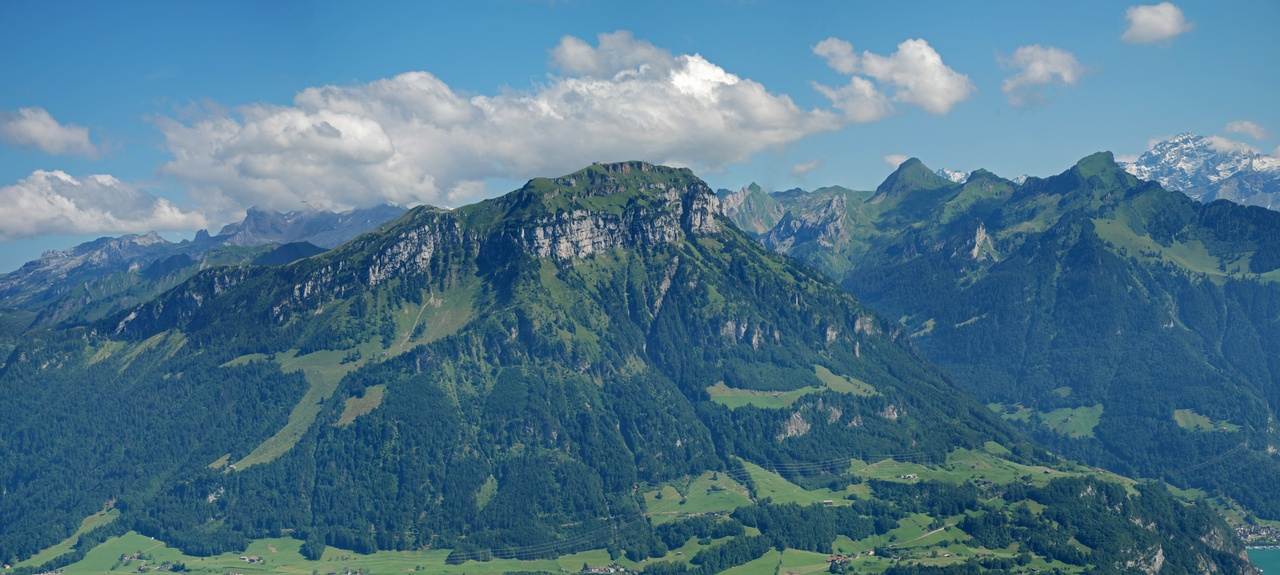
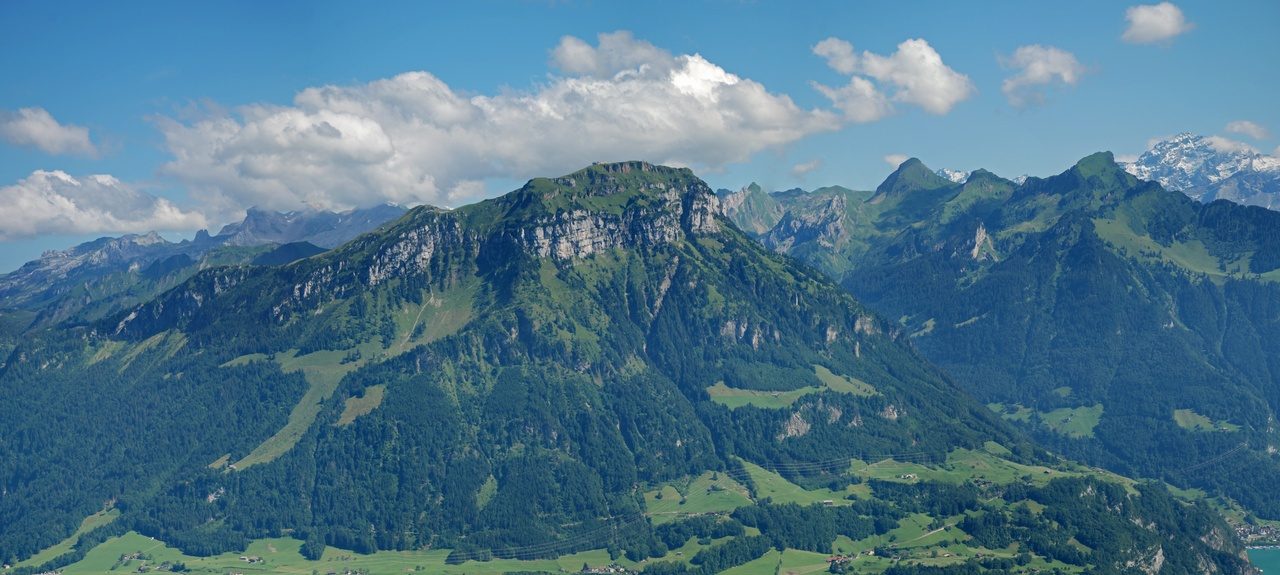
| Landscape photo 299,063 B | 50,000 B | 49,519 B Target met | 1280 × 575 px → 1280 × 575 px |
| Landscape photo 299,063 B | 100,000 B | 98,937 B Target met | 1280 × 575 px → 1280 × 575 px |
| Landscape photo 299,063 B | 200,000 B | 144,547 B Target met | 1280 × 575 px → 1280 × 575 px |
| Original fictional interface screenshot 44,015 B | 50,000 B | 44,015 B Target met | 1200 × 800 px → 1200 × 800 px |
| Original transparent graphic 15,566 B | 50,000 B | 15,566 B Target met | 512 × 384 px → 512 × 384 px |
| Original transparent graphic 15,566 B | 1 B | 88 B Target missed | 512 × 384 px → 1 × 1 px |

On a small screen, scroll the table sideways to compare output pixels.
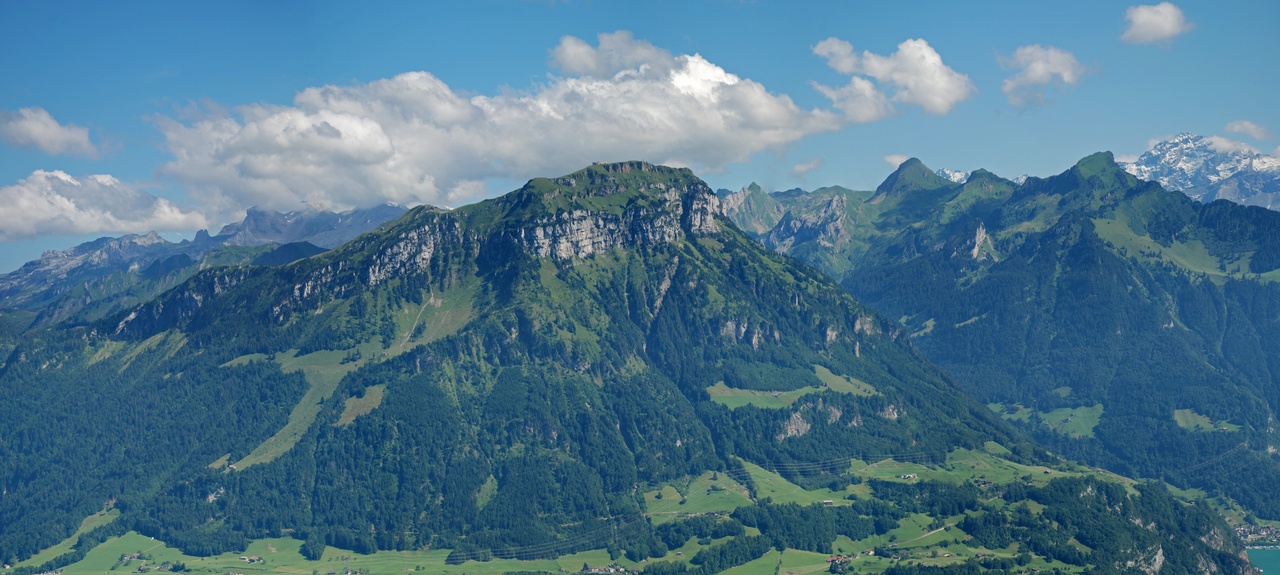
299,063 B · 1280 × 575 px · Download input
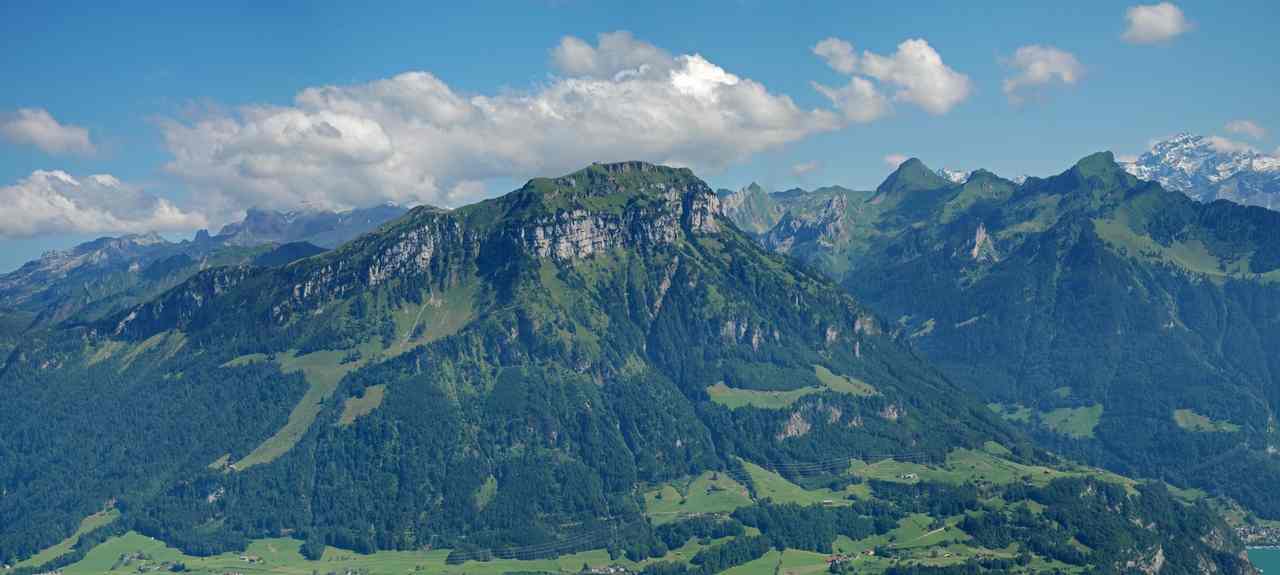
49,519 B · 1280 × 575 px · Download output
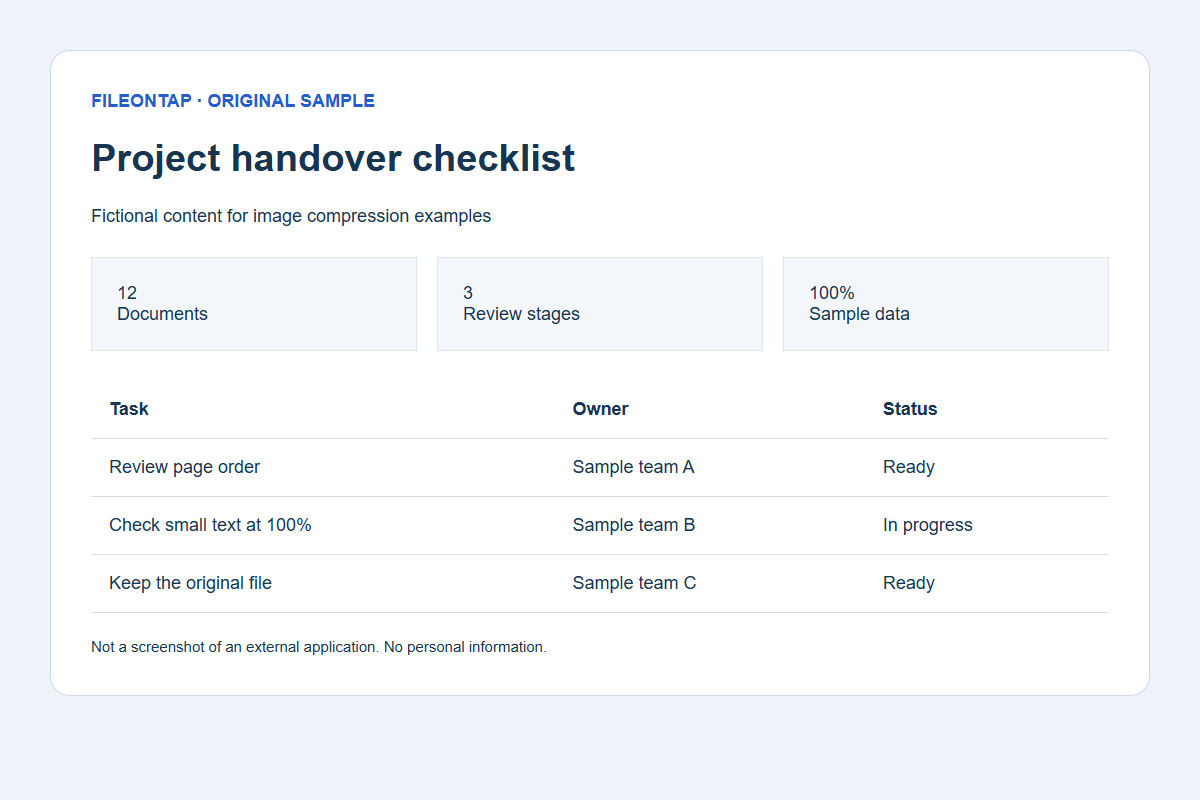
44,015 B · 1200 × 800 px · Download input
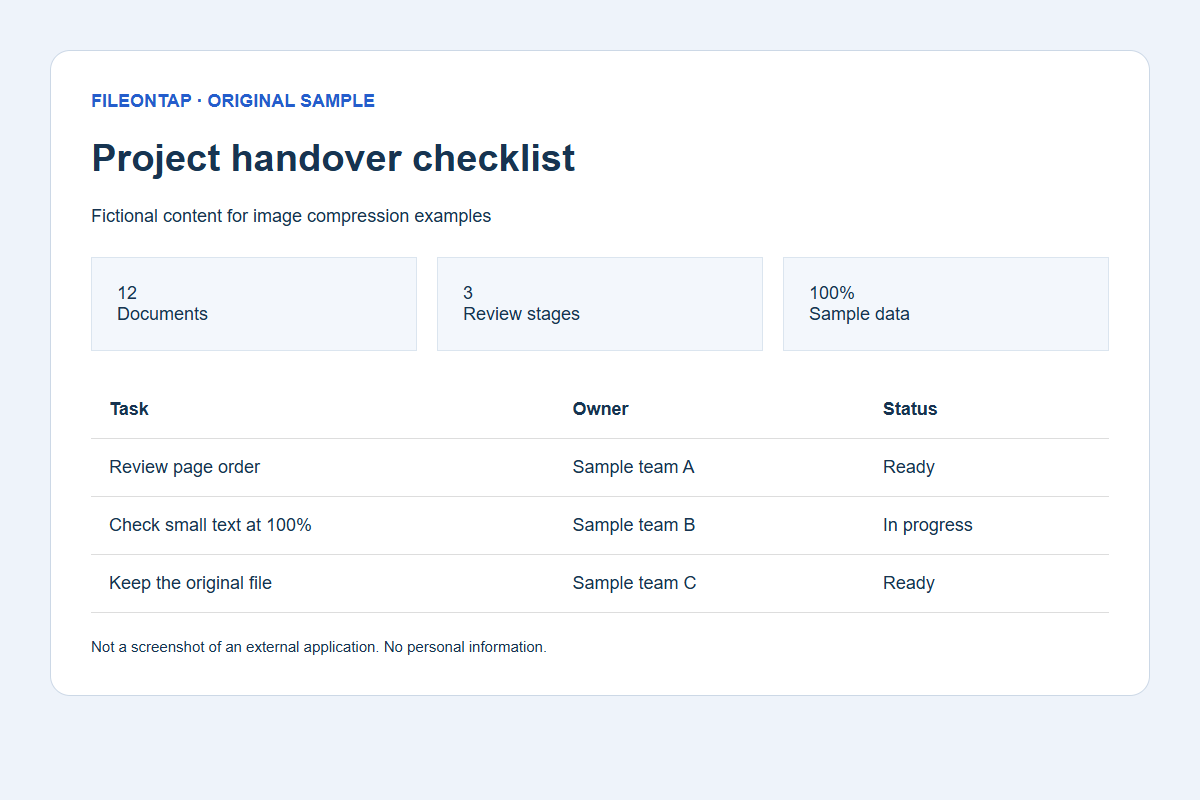
44,015 B · 1200 × 800 px · Download output
Already below target; original bytes retained unchanged.
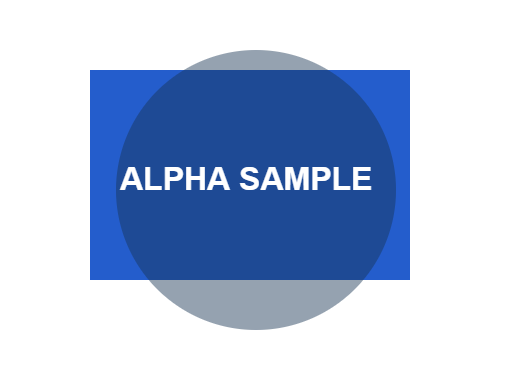
15,566 B · 512 × 384 px · Download input
15,566 B · 512 × 384 px · Download output
Already below target; original bytes retained unchanged.
See the actual target-miss interface
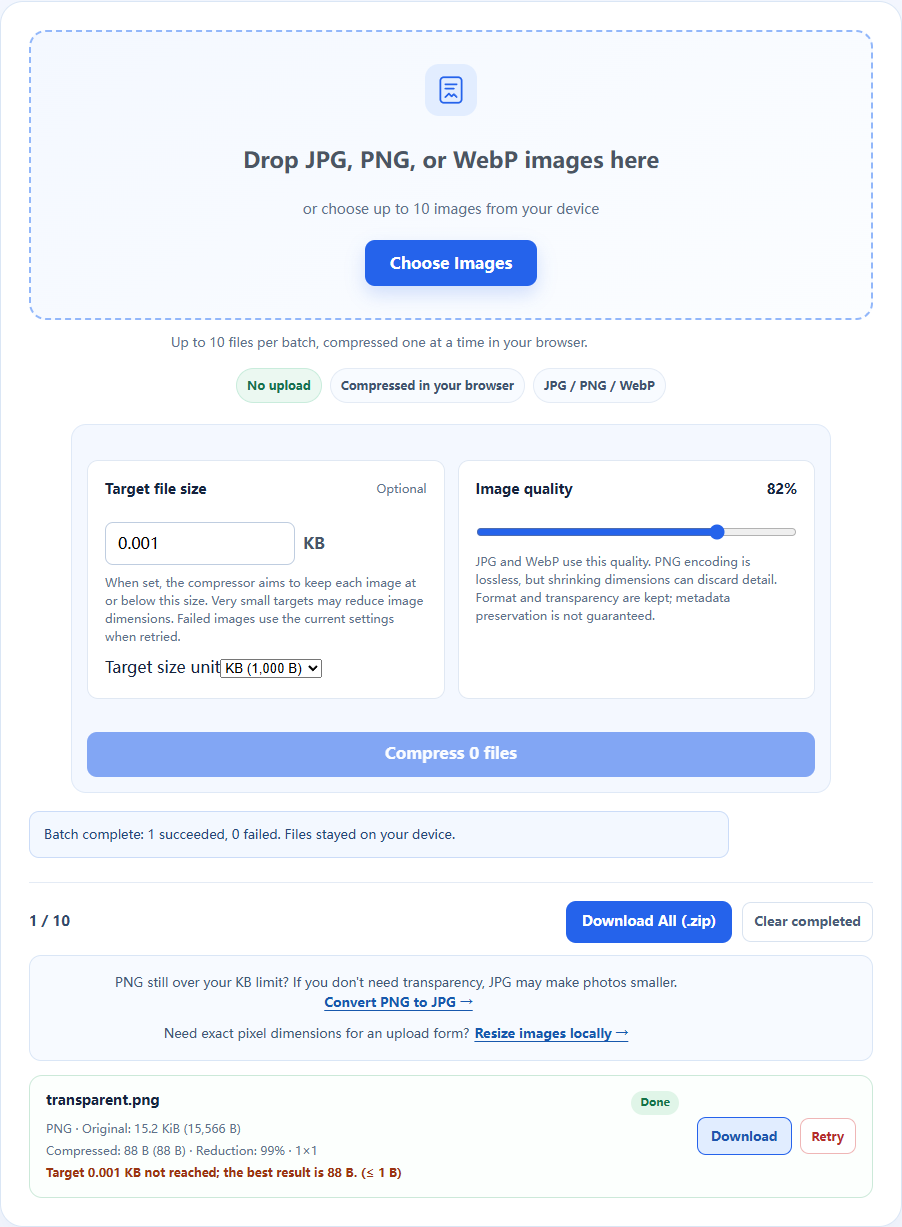
Source, environment and reproduction details
Recorded 2026-10-19 · Chromium 140.0.7339.16 · Windows · 1280 × 960 · site version 865d4e4.
Photo: Fronalpstock big.jpg — Hannes Röst, CC BY-SA 3.0. Resized and re-encoded; all photographic derivatives in this sample keep that license. Original fictional screenshots, transparent graphics and PDFs are available under CC0. No source includes customer files.

- Download an input linked above and keep the original.
- Use this tool with the listed settings. Keep the tab open, then save the actual output.
- Compare saved bytes, dimensions and detail. Browser/encoder versions may produce different bytes; these are recorded observations, not universal compression ratios.
Download settings, exact byte counts and SHA-256 checksums (JSON) · Asset licenses
100KB application portraits and form attachments
For job application portraits, exam registrations and ID photo uploads that specify 100KB, remove unnecessary margins first. Check the actual application’s format and pixel requirements instead of assuming every portal accepts the same dimensions.
Check the result before uploading
This preset starts at decimal 100KB = 100,000 bytes, not 100KiB = 102,400 bytes. If a strict portal rejects a borderline image, try 95KB to leave some headroom; check the result's measured bytes and photo dimensions.
Handle ambiguous portal units
If the receiver means decimal 100KB, a 101,000-byte file is too large even though it is below 100KiB (102,400 bytes). This preset starts at the stricter decimal budget. Change units only when the receiving service specifies them.
How to use this tool
- Select or drop static JPG, PNG or WebP images.
- Review the preset target, units and quality, then compress the batch.
- Check every output’s pixels and byte count, then download individual files or a ZIP.
Image processing requires no file upload. Page assets and usage analytics can still make network requests. See the Privacy page for how analytics works.
Frequently asked questions
Is the target size guaranteed?
No. Every result reports actual bytes and whether it meets your target. A retained original can still exceed a very small target; retry with different settings or prepare a smaller source.
Is compression lossless?
JPG and WebP quality reduction is lossy. PNG encoding preserves the rendered pixels, but resizing removes detail. Formats and transparency are retained; metadata preservation is not guaranteed.
What does KB mean here?
The preset uses decimal KB: 1 KB = 1,000 bytes. You can switch to KiB: 1 KiB = 1,024 bytes. The receiving service may apply its own rules; check its requirements.