Practical image workflow
How to Resize Images Without Stretching
Choose proportional fit, center crop or padding to control framing without distorting the subject.
Measure the two aspect ratios
Divide width by height to compare shapes. A 1200×800 source has a 3:2 ratio; a 500×500 destination is square. They cannot share the exact canvas while simultaneously preserving every source pixel, filling every destination pixel and avoiding distortion. Choose which property matters. FileOnTap’s four sizing modes make that decision explicit. Its default custom sizing mode fits the whole source proportionally within your requested box.
Fit keeps everything and may leave a smaller output
For a 1200×800 image fitted inside 500×500, the result is 500×333 pixels after rounding. There is no added square background. Fit is useful when the receiver specifies maximum dimensions rather than an exact canvas. Check the displayed actual width and height; do not assume entering 500 in both fields creates an exact square when this mode is selected. Rounding can change the ratio slightly by a pixel.
Crop fills the box and removes edges
The same source cropped to 500×500 uses a centered square region before scaling. It fills the canvas without stretching, but removes the left and right edges. The tool currently offers center crop rather than an adjustable focal-point editor. If a face or label sits near an edge, prepare the framing in your editor or choose padding. Inspect the saved result before using it as an avatar or publication image.
Pad keeps the whole source in an exact canvas
Padding scales the 1200×800 image proportionally inside 500×500 and adds margins above and below. PNG or WebP can retain transparent margins when transparency is enabled. JPG cannot store alpha, so margins use the selected background color. Turning transparency off fills both margins and transparent source areas with that color. For an exact 16:9 canvas, the 1280×720 preset offers the same choice between crop and pad.
Stretch and upscaling have visible tradeoffs
Stretch produces exact dimensions without margins or cropping by changing the horizontal and vertical scale independently. Faces and circles can become distorted. Upscaling in any mode creates additional pixels through interpolation but cannot restore lost detail. Browser output is re-encoded and does not promise original EXIF, DPI, HDR or color profiles. Static images only are supported; animated PNG and WebP are rejected rather than silently reduced to a frame.
Further reading
Browser image export and file-size units: MDN canvas toBlob and NIST SI prefixes. These describe APIs and units, not a guarantee of any upload service accepting your file.
Compare fitting, cropping and padding
These are recorded examples, not promised results for your files. Download an input, use the settings below, then compare your saved output.
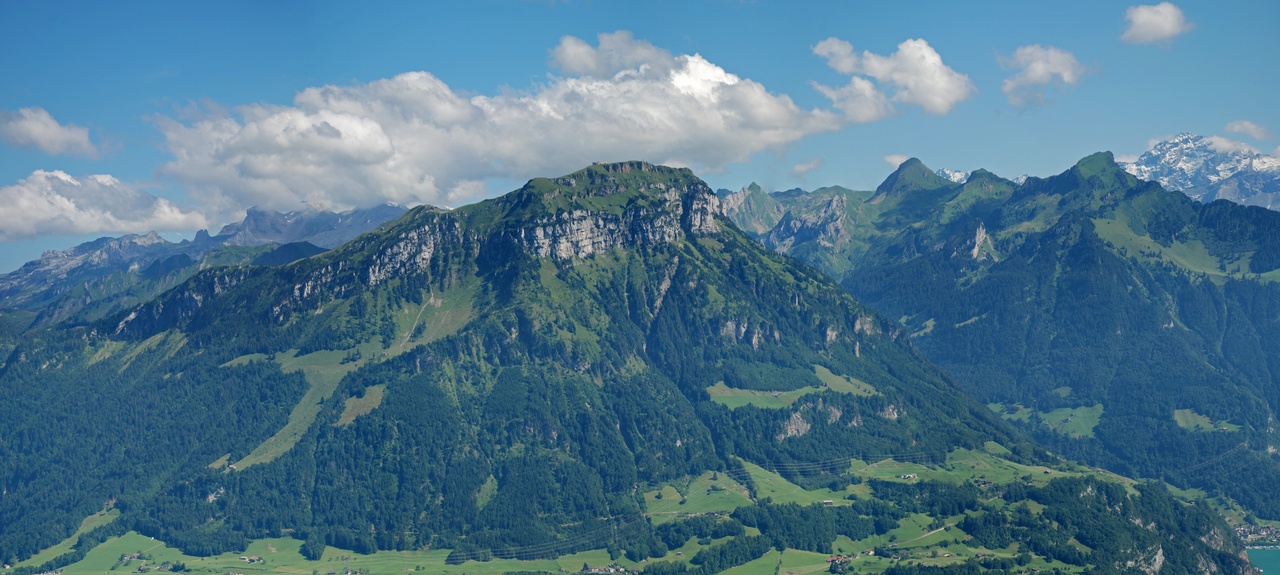
Each run uses the same 1280 × 575 photo, a 500 × 500 box, JPG quality 85 and a white background. Fit preserves the full frame with a shorter output; crop fills the box by removing edges; pad preserves the frame and adds white space. These recorded settings are independent of any preset selected above.
Download the source photo · 299,063 B · 1280 × 575 px
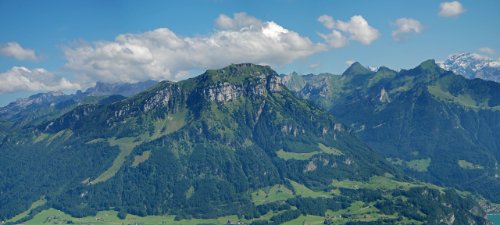
Download · 27,354 B
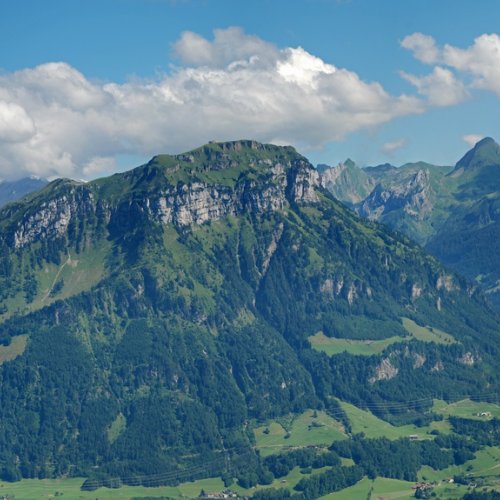
Download · 56,820 B
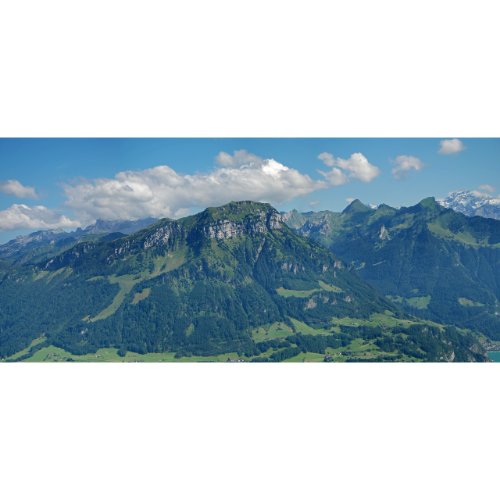
Download · 30,757 B
Source, environment and reproduction details
Recorded 2026-10-19 · Chromium 140.0.7339.16 · Windows · 1280 × 960 · site version 865d4e4.
Photo: Fronalpstock big.jpg — Hannes Röst, CC BY-SA 3.0. Resized and re-encoded; all photographic derivatives in this sample keep that license. Original fictional screenshots, transparent graphics and PDFs are available under CC0. No source includes customer files.

- Download an input linked above and keep the original.
- Use this tool with the listed settings. Keep the tab open, then save the actual output.
- Compare saved bytes, dimensions and detail. Browser/encoder versions may produce different bytes; these are recorded observations, not universal compression ratios.
Download settings, exact byte counts and SHA-256 checksums (JSON) · Asset licenses