Practical image workflow
Why Image Compression Misses a Target Size
Diagnose genuine target misses: encoding overhead, format constraints, detail, dimensions and upload rules can conflict.
Read the result before changing settings
A target is a request, not a guaranteed output. Read the exact bytes and the reached/not-reached status for each file. The tool does not replace a smaller original with a larger re-encoded copy. An already-small file may therefore remain unchanged; an original above a very low target can remain above it when encoding cannot help. A failed decoding row is different from a successful compression row that missed its size target. Retry with new settings only after understanding which state you have.
A file has a minimum encoding cost
Even a tiny image needs a header and encoded data. A target below that overhead cannot be reached merely by reducing quality. The iterative search is bounded to keep browser work finite, so it also cannot promise the mathematical smallest representation of every image. Repeatedly retrying the same source with the same settings is unlikely to solve this. Avoid interpreting an approximate displayed KB label as proof: use the exact byte count and the correct KB/KiB unit.
PNG quality is not a photo-quality knob
PNG stores rendered pixels losslessly, but shrinking the pixel grid removes original detail. Transparent graphics, noise and dense screenshots behave differently from smooth photographs. Moving a quality slider cannot make PNG become a low-quality JPEG. If the receiving service allows JPG and transparency is unnecessary, explicitly convert a copy and compare it. Keep a PNG original for logos and transparent artwork; never silently flatten it just to chase a byte limit.
Resolve conflicting requirements
Suppose a form needs an exact pixel box, a specific format and a strict byte cap. Cropping or padding can establish the pixel box; compression might then reduce it to meet the cap. Inspect both conditions afterward. Text may become unreadable before the file fits. In that case, simplify irrelevant margins or use a cleaner scan, and consult the receiver rather than claiming the file is compliant. Upscaling a tiny image only increases pixels; it does not add captured detail.
Separate an upload rejection from a compression miss
A server can reject a file because of its MIME type, extension, pixel bounds, orientation, content rules or its own interpretation of size. FileOnTap cannot reproduce a private receiving service’s checks. Verify that the downloaded extension matches the real format and that the output opens locally. Keep the original, inspect the service’s error, and adjust the relevant property rather than reducing quality without a reason. Corrupt and unsupported files should be replaced with a valid static image.
Further reading
Browser image export and file-size units: MDN canvas toBlob and NIST SI prefixes. These describe APIs and units, not a guarantee of any upload service accepting your file.
Try a photo, screenshot and transparent PNG
These are recorded examples, not promised results for your files. Download an input, use the settings below, then compare your saved output.
All runs used quality 82 and decimal KB (1 KB = 1,000 bytes). The 0.001 KB case intentionally asks for only one byte: the tool returns its best effort and reports a miss. PNG quality does not act like lossy JPG quality; dimensions may shrink.
| Input | Target | Downloaded result | Pixels: before → after |
|---|---|---|---|
| Landscape photo 299,063 B | 50,000 B | 49,519 B Target met | 1280 × 575 px → 1280 × 575 px |
| Landscape photo 299,063 B | 100,000 B | 98,937 B Target met | 1280 × 575 px → 1280 × 575 px |
| Landscape photo 299,063 B | 200,000 B | 144,547 B Target met | 1280 × 575 px → 1280 × 575 px |
| Original fictional interface screenshot 44,015 B | 50,000 B | 44,015 B Target met | 1200 × 800 px → 1200 × 800 px |
| Original transparent graphic 15,566 B | 50,000 B | 15,566 B Target met | 512 × 384 px → 512 × 384 px |
| Original transparent graphic 15,566 B | 1 B | 88 B Target missed | 512 × 384 px → 1 × 1 px |
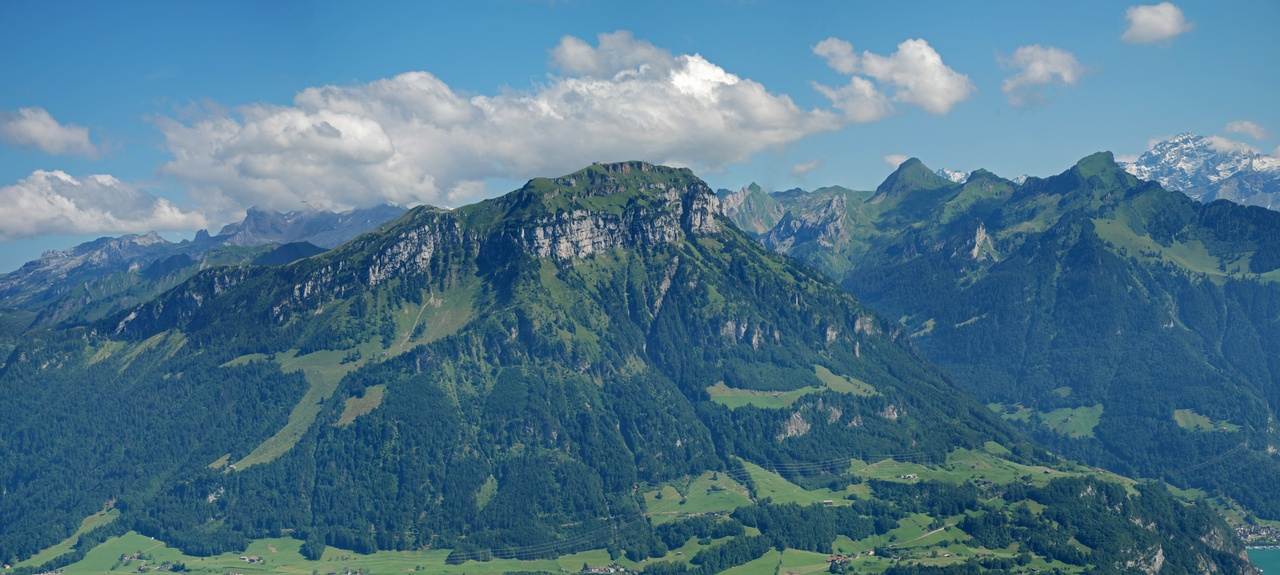
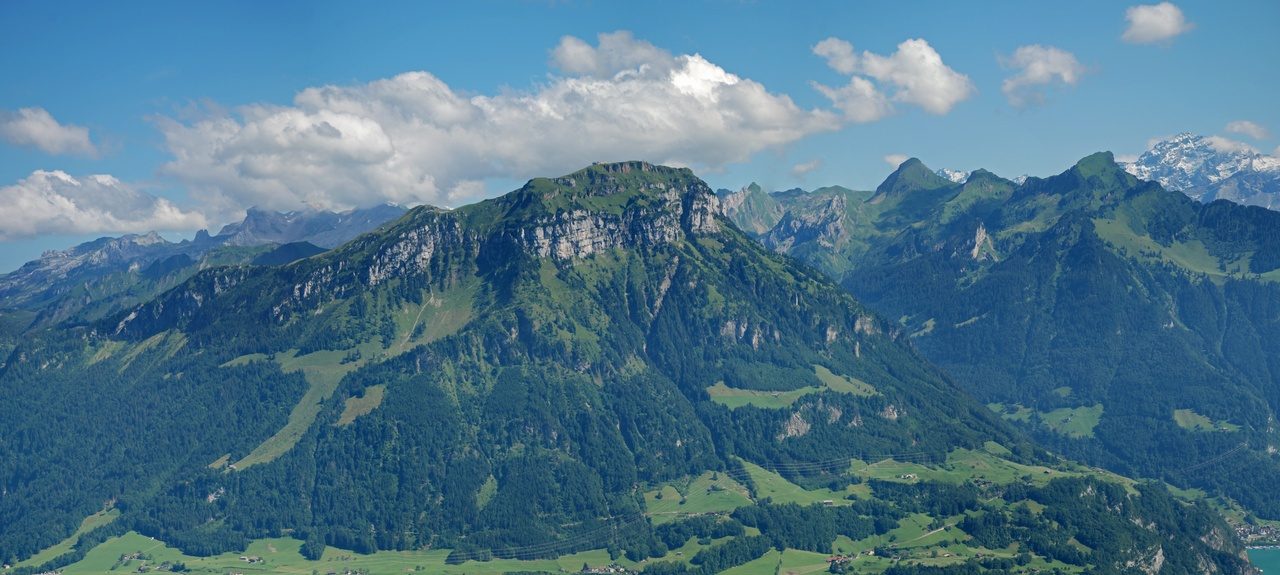

On a small screen, scroll the table sideways to compare output pixels.
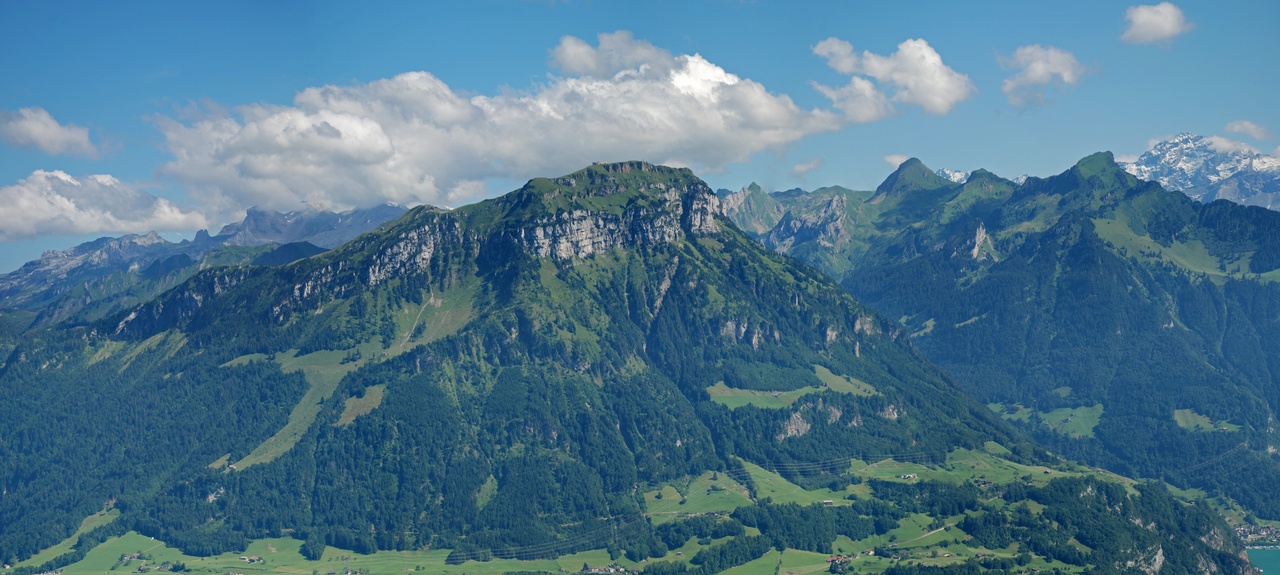
299,063 B · 1280 × 575 px · Download input
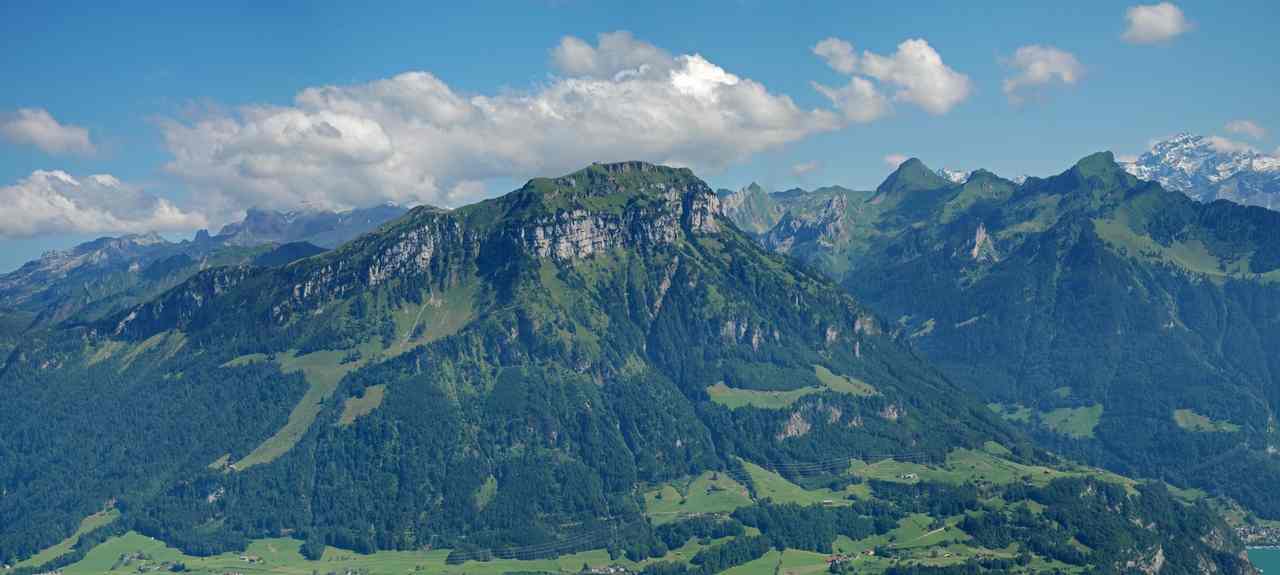
49,519 B · 1280 × 575 px · Download output
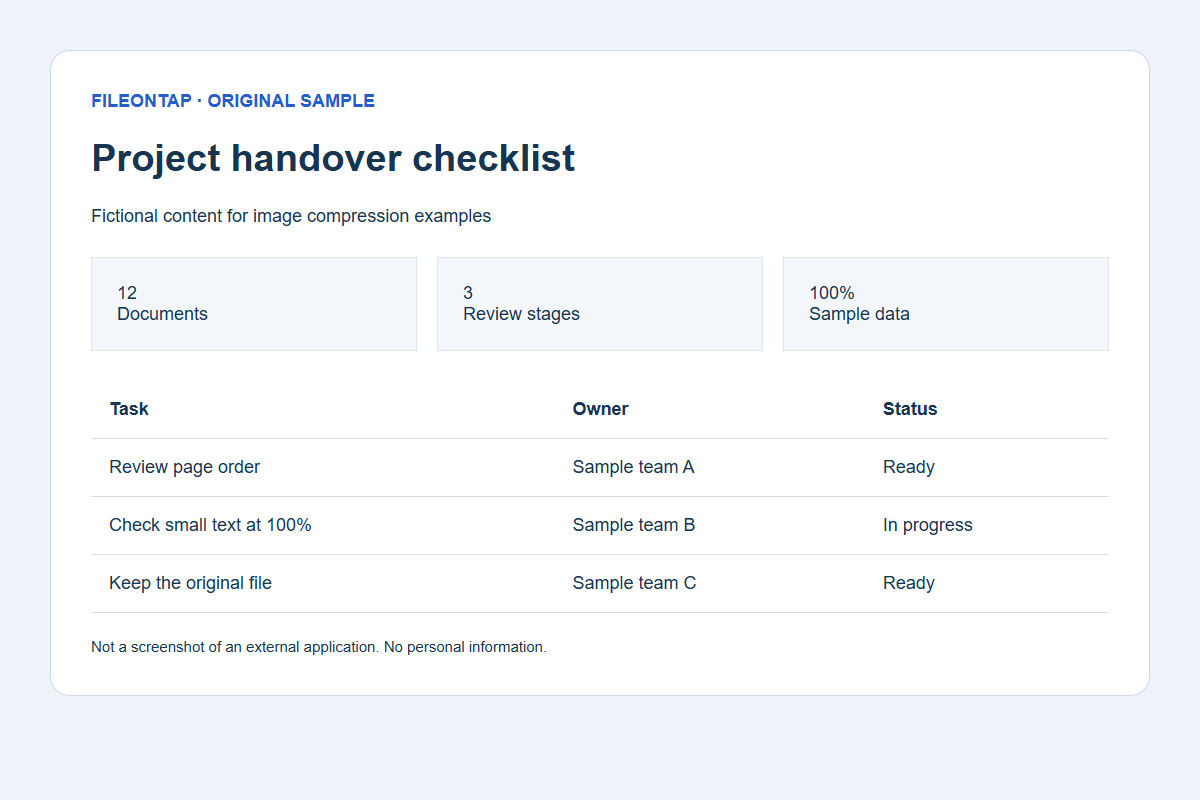
44,015 B · 1200 × 800 px · Download input
44,015 B · 1200 × 800 px · Download output
Already below target; original bytes retained unchanged.
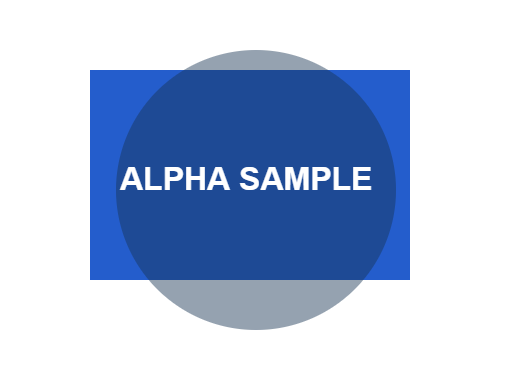
15,566 B · 512 × 384 px · Download input
15,566 B · 512 × 384 px · Download output
Already below target; original bytes retained unchanged.
See the actual target-miss interface
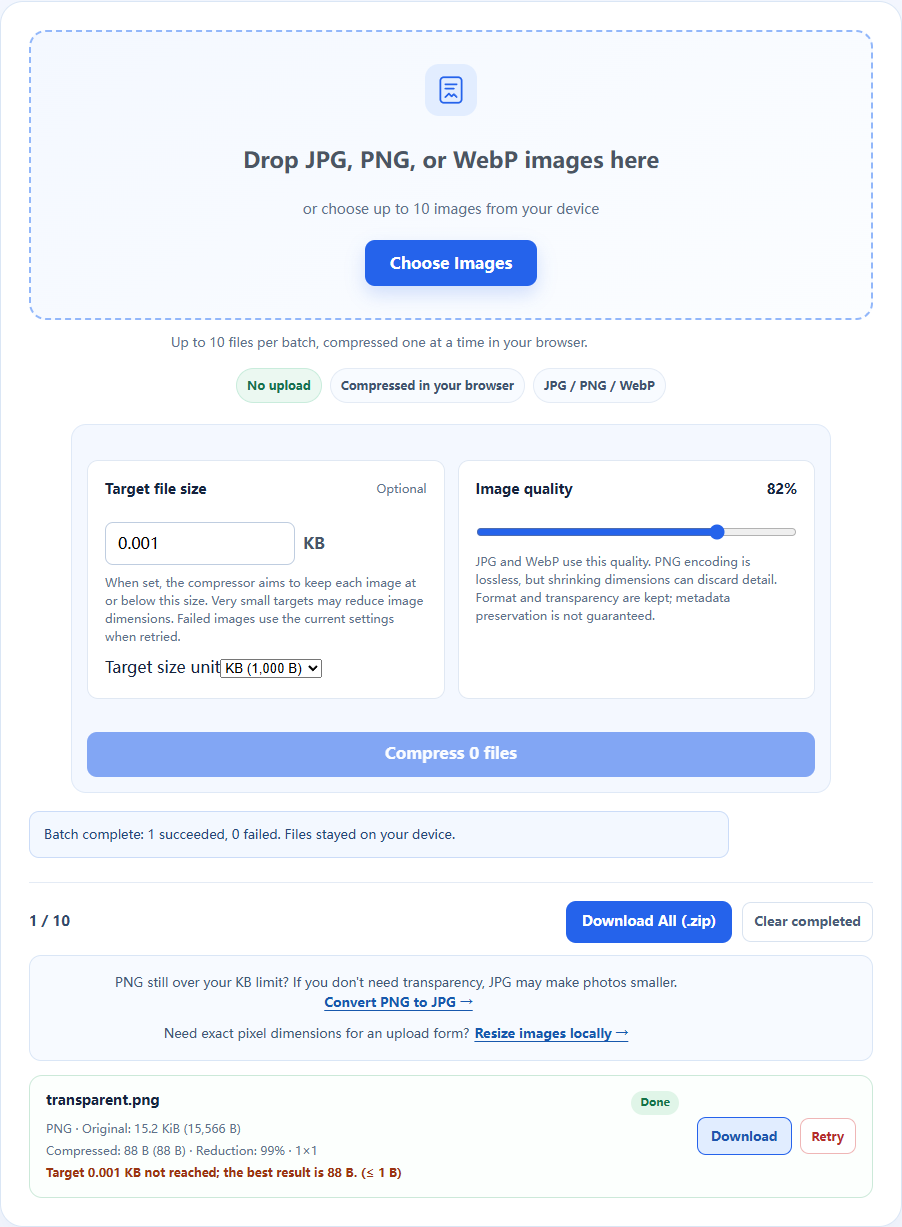
Source, environment and reproduction details
Recorded 2026-10-19 · Chromium 140.0.7339.16 · Windows · 1280 × 960 · site version 865d4e4.
Photo: Fronalpstock big.jpg — Hannes Röst, CC BY-SA 3.0. Resized and re-encoded; all photographic derivatives in this sample keep that license. Original fictional screenshots, transparent graphics and PDFs are available under CC0. No source includes customer files.

- Download an input linked above and keep the original.
- Use this tool with the listed settings. Keep the tab open, then save the actual output.
- Compare saved bytes, dimensions and detail. Browser/encoder versions may produce different bytes; these are recorded observations, not universal compression ratios.
Download settings, exact byte counts and SHA-256 checksums (JSON) · Asset licenses